
Table of Contents
Overview
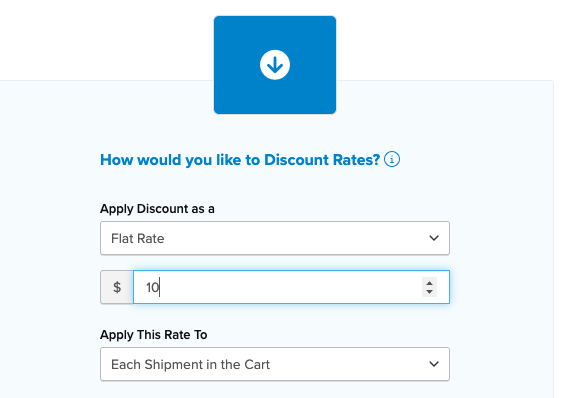
Want to offer a shipping discount to your customers? With ShipperHQ, you can apply either a fixed amount or a percentage discount to the shipping cost. If the discount is less than the shipping charge, the customer simply pays the remaining balance.
For example, if you offer $10 off shipping:
-
If the shipping cost is $15, the discount covers $10, and the customer pays $5.
Steps
- Go to Shipping Rules and click the +New button.

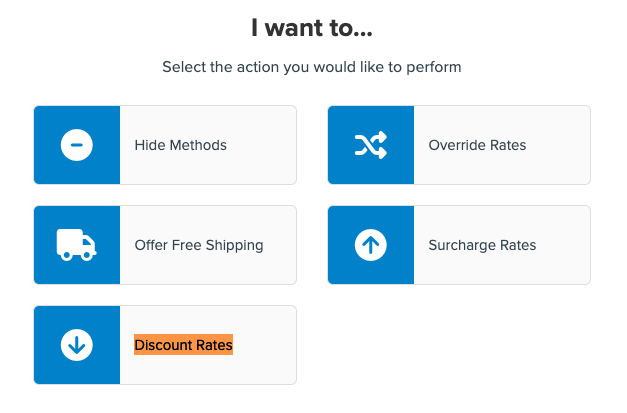
- Select "Discount Rates"
- Enter the discount amount or percentage you want to apply
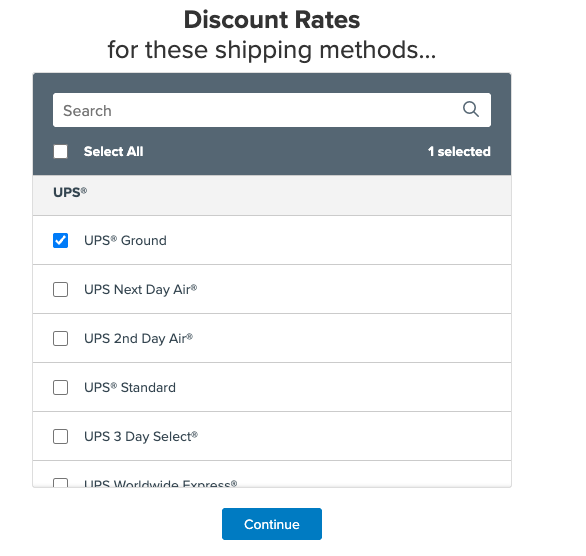
- Choose the shipping methods the discount applies to
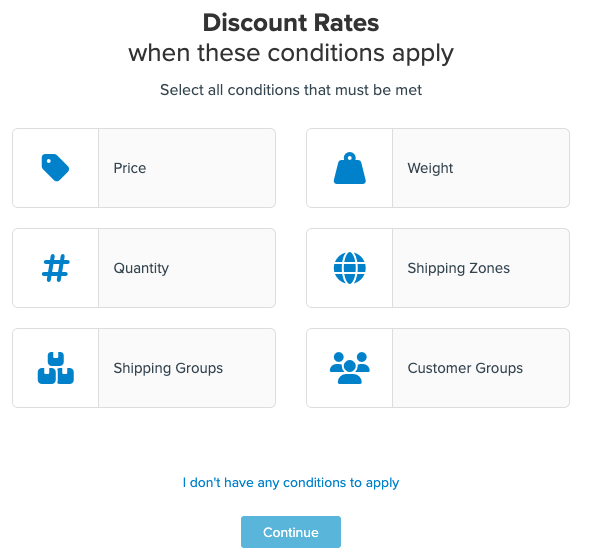
- In this step, set the conditions for the rule. For example, you might apply a $10 shipping discount to certain Shipping Groups, Filters, or Shipping Zones. If you'd like to offer the $10 discount on UPS Ground for orders over $100 this requires a price filter.
- Save and test the rule.
By following these steps, your discount will be automatically applied to the shipping methods you selected in step 4, or whenever the conditions you set in step 5 are met.