
Table of Contents
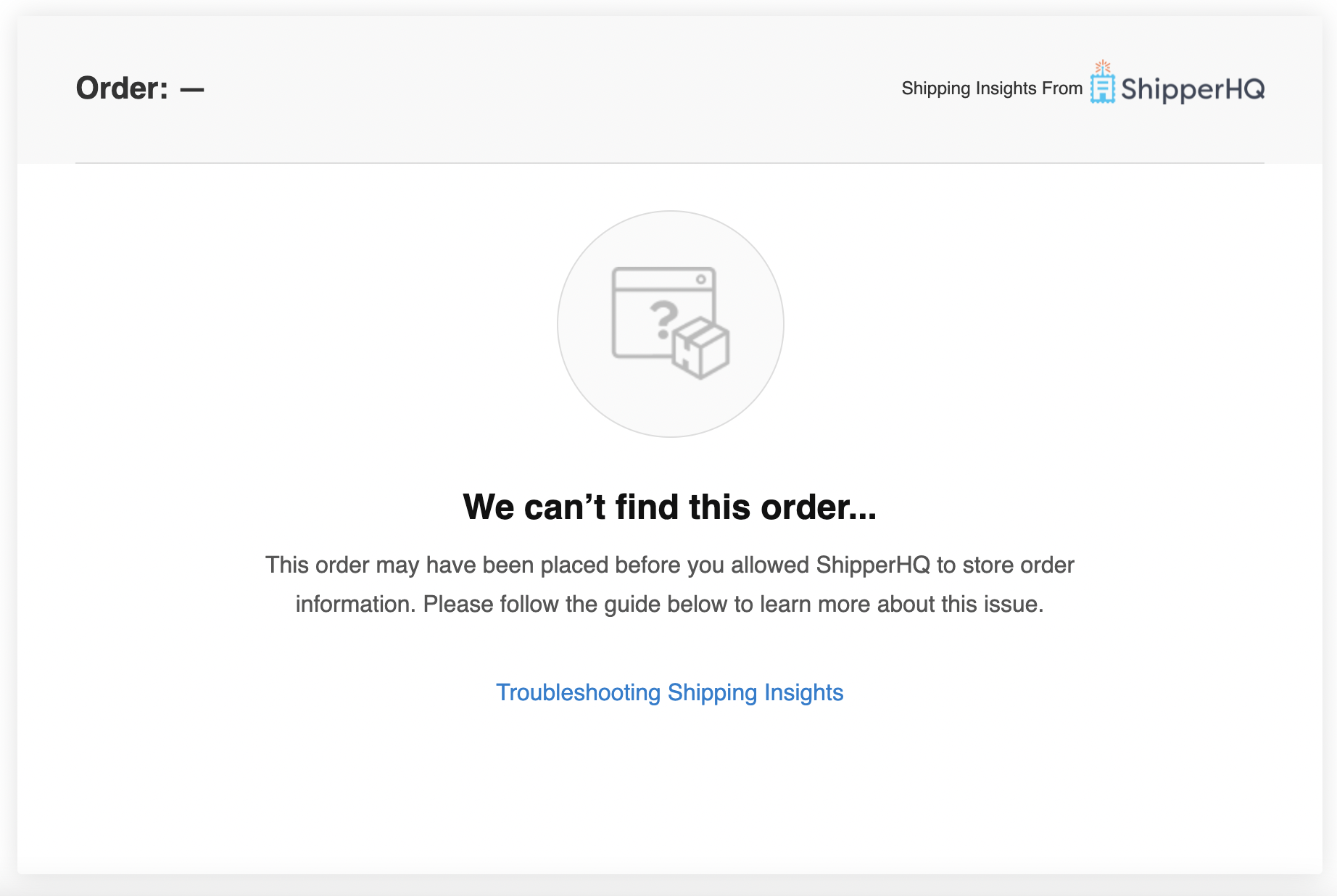
If orders are missing from Advanced Shipment Details or shipment data is incomplete, use the troubleshooting steps and diagnostic messages below to identify the cause.
Common issues include orders placed before Advanced Shipment Details was enabled, configuration problems like duplicate carrier titles, and checkout errors that prevented data from being captured.
Troubleshooting Steps
Follow these steps to troubleshoot Advanced Shipment Details:
- Log in to your ShipperHQ account.
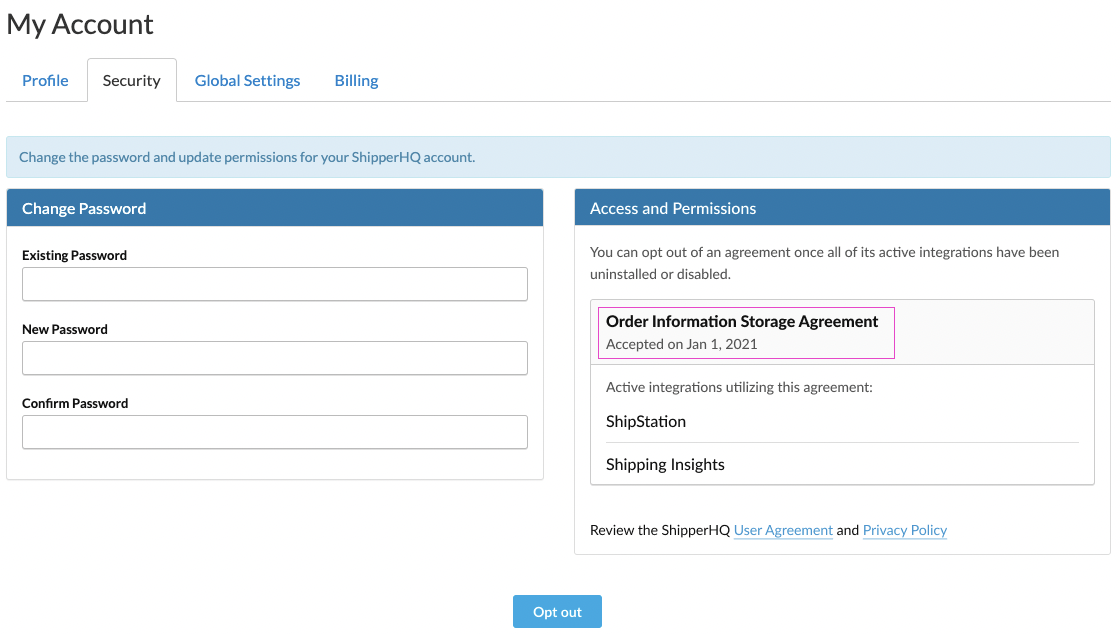
- Navigate to My Account > My Profile.
- Click on the Security tab.
- Review and verify the date the Advanced Shipment Details feature was enabled under the Access and Permissions section.
Common Issues
Here are a few reasons why an order might not be found in Advanced Shipment Details:
Scenario 1 - Order Placed Before Accepting Advanced Shipment Details Agreement
If the order was placed before Advanced Shipment Details was enabled in ShipperHQ, we're unable to capture the order information. We can only capture order data after the feature is enabled.
Scenario 2 - Duplicate Carrier Titles
- Ensure each carrier has a unique "Carrier Title in Checkout"/"Carrier Title Internal" if you have multiple carriers.
- If all Carrier Titles are unique and the order is still missing, there may have been a problem during data capture. Please contact our support team for assistance and provide a screenshot of the agreement date.
Scenario 3 - Order Placed on a Different Store Website
Verify that you are using the correct website to look up the order, especially if you have multiple websites connected. Ensure the website matches where the order was placed.
Scenario 4 - Order Placed Has the Same Order Number as Another Store Website
This can happen if one website uses an incorrect API key and shares order numbers with another store. Please contact our support team for further assistance.
Diagnostic Messages
If an order is present but shipment data is missing or incomplete, the diagnostic messages panel on the order detail page can help you identify what went wrong during checkout.
Diagnostic messages are logged during the checkout session and stored on the order. They appear when ShipperHQ detects an issue that may have affected data capture.
To view diagnostic messages for an order:
- In your ShipperHQ dashboard, navigate to the order detail page in Advanced Shipment Details.
- Locate the Diagnostic Messages panel on the order detail page.
- Review the messages to identify issues that occurred during the checkout session.
Warnings
Warnings indicate conditions that may have affected which rates were used at checkout but did not necessarily prevent order data from being captured.
| Code | Description |
|---|---|
warn.shopify.backup_rates |
Backup/fallback rates were used instead of live rates |
warn.ec.feature_disabled |
Required Enhanced Checkout feature is disabled |
warn.shopify.options_invalidated |
Shipping options were invalidated due to an address or cart change |
Errors
Errors indicate failures during checkout that likely resulted in missing or incomplete shipment data.
| Code | Description |
|---|---|
error.shopify.missing_metafield |
Required metafield not found on the order |
error.shopify.metafield_write_error |
Error writing metafield (frontend) |
error.shopify.api_error |
Shopify API returned an error |
error.shopify.shipperws_request_error |
Error making request to ShipperHQ web service |
error.shopify.rates_timeout |
Rate processing exceeded 10-second threshold |
error.oms.quote_not_found |
Shipping quote could not be retrieved |
error.oms.labelws_unreachable |
Label service is unreachable |
error.oms.carrier_mismatch |
Carrier on the order does not match expected carrier |
error.oms.method_mismatch |
Shipping method on the order does not match expected method |
error.oms.internal_error |
Internal error with unknown cause |
error.oms.metafield_write_error |
Error writing metafield (backend) |
error.bc.api_error |
BigCommerce API returned an error |
If the diagnostic messages don't resolve the issue, contact our support team and include a screenshot of the panel alongside your order details.