
You can easily view and download invoices from your ShipperHQ dashboard. Follow the steps below to access your billing history and export invoices as PDFs.
How to locate and download invoices
-
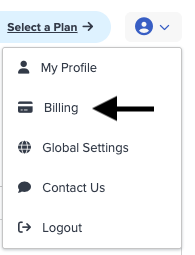
Hover over My Account (top right) and select Billing.
- In the Billing History section, click Show Invoices.
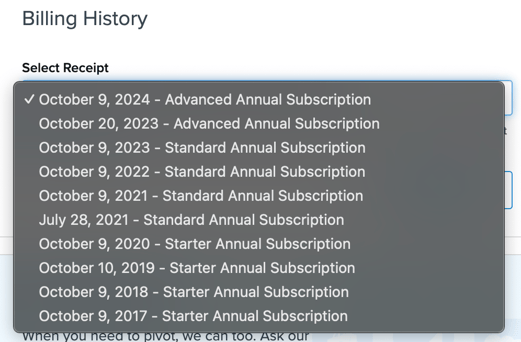
- The list will display your current invoice by default. Use the drop-down menu to select previous billing periods if needed.
- Click Download to export the selected invoice as a PDF.
Need Help?
If you have questions about your invoice or billing terms, contact the ShipperHQ Billing Team at billing@shipperhq.com.